admin

Equipments Finder Project

Equipments Finder Equipment Finders is an ongoing creative collaboration focused on producing promotional videos, motion graphics, graphic design, and fast-paced event shorts for the brand’s digital platforms. Alongside the viral Cha Cha Machine campaign, we have created engaging social media content and energetic event reels designed to capture attention through dynamic editing and modern visual […]

Equipments Finder Project Read More »
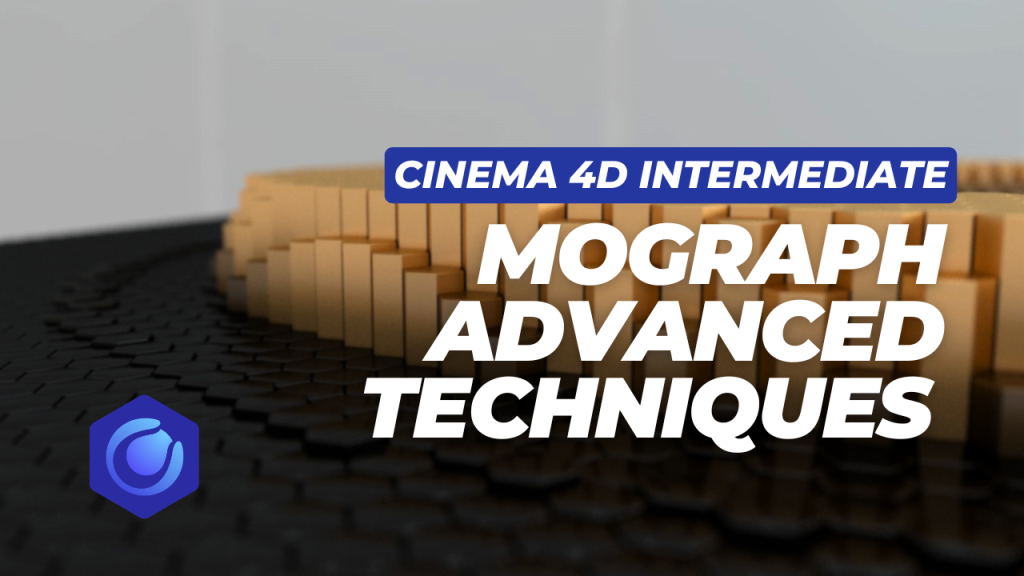
MoGraph Cloner Intermediate Techniques

MoGraph Cloner Intermediate Techniques In this advanced MoGraph tutorial, Az Productions demonstrates how to create a visually stunning honeycomb ripple animation using the Cloner and sophisticated Field modifiers. https://youtu.be/BanY7TTQ3pc you can download Cloner Scene file for free   1. Creating the Base Shape The project starts with a simple Cylinder: Dimensions: Radius of 5 and

MoGraph Cloner Intermediate Techniques Read More »

Cinema 4D Basics Part 2 Navigation and More

Cinema 4D Basics Part 2 Navigation and More the interface to learn how to navigate the 3D space, create objects, and apply materials. https://youtu.be/IgVr48dwY5w 1. Navigation Mastering movement within the viewport is essential for 3D work. While there are icons available, using keyboard shortcuts is more efficient: Panning: Hold the 1 key and the left

Cinema 4D Basics Part 2 Navigation and More Read More »

Cinema 4D Basics Part 1 Getting Started

Getting Started | Cinema 4D Basics Part 1 In this tutorial by Az Productions, you will learn the fundamental basics of Cinema 4D. https://www.youtube.com/watch?v=chl4C5fqhr8&t=23s 1. Getting Started The tutorial begins by opening the Cinema 4D software, marking the first step for any beginner starting their 3D journey. 2. Interface Overview A comprehensive breakdown of the

Cinema 4D Basics Part 1 Getting Started Read More »